
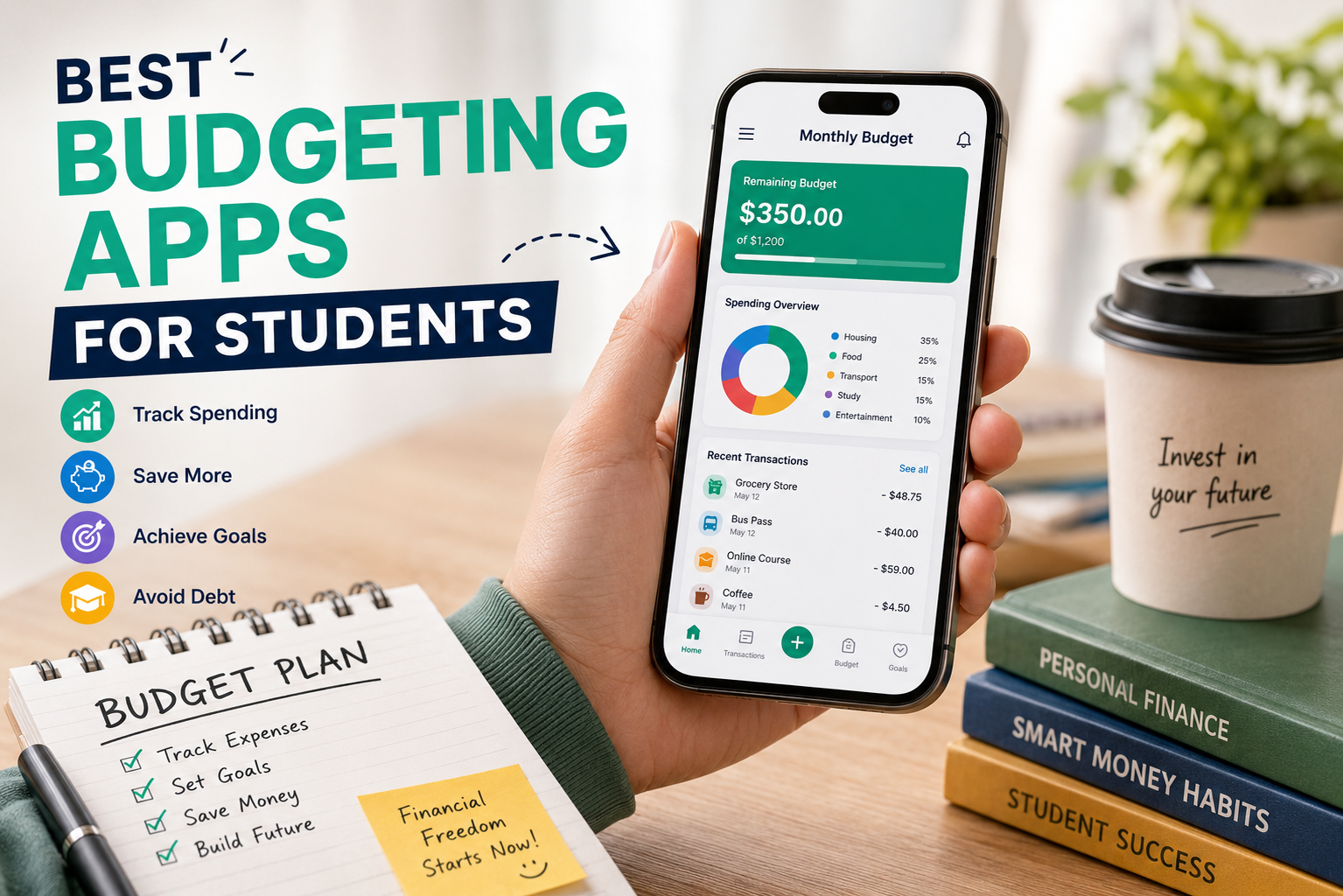
Best Budgeting Apps for Students in 2026
Managing money as a student is rarely easy. Between tuition fees, food delivery temptations, subscriptions, transportation costs, and social outings, expenses add up quickly. Many students struggle not because they lack income, but because they lack visibility into where their money actually goes.
That is where budgeting apps become essential.
Today’s best budgeting apps for students do far more than basic expense tracking. They help automate savings, categorize spending, set financial goals, monitor subscriptions, and even improve financial literacy. Whether you are a college freshman learning to manage your first monthly allowance or a graduate student balancing tuition with part-time work, the right app can make a measurable difference.
This guide explores the best budgeting apps for students in 2026 based on usability, affordability, features, and overall value.
Why Students Need a Budgeting App
Student life often comes with irregular cash flow. Scholarships, internships, freelance gigs, parental support, and side hustles create fluctuating income patterns. Without a structured budget, overspending becomes easy.
A quality budgeting app helps students:
- Track daily expenses in real time
- Avoid unnecessary debt
- Monitor subscriptions and recurring payments
- Build emergency savings
- Develop long-term financial discipline
- Reduce financial stress during studies
Research consistently shows that early money management habits influence long-term financial success. Learning budgeting skills during college years creates a stronger financial foundation after graduation.
1. YNAB – Best Overall Budgeting App for Students
YNAB (You Need A Budget) remains one of the strongest budgeting platforms available. Unlike apps that simply track spending, YNAB uses a proactive budgeting method that encourages users to assign every dollar a job.
Students benefit from its educational approach because it teaches practical financial behavior rather than passive monitoring.
Key Features
- Goal-based budgeting
- Real-time expense tracking
- Debt payoff planning
- Detailed spending reports
- Cross-device syncing
Why Students Love It
YNAB is especially effective for students living on limited monthly budgets. It creates awareness around discretionary spending and encourages intentional financial decisions.
Drawback
The app is subscription-based, which may deter budget-conscious users, although many students find the savings outweigh the cost.
2. Mint – Best Free Budgeting App
Mint continues to dominate among free budgeting solutions. It automatically syncs bank accounts, categorizes purchases, and provides a complete financial dashboard.
For students who want minimal setup and automation, Mint offers an accessible starting point.
Best Features
- Free credit score monitoring
- Bill reminders
- Automatic expense categories
- Spending alerts
- Budget summaries
Ideal For
Students seeking a zero-cost budgeting solution with strong automation features.
3. PocketGuard – Best for Preventing Overspending
PocketGuard simplifies budgeting by showing exactly how much disposable money remains after bills, necessities, and savings goals.
Its clean interface makes it ideal for students who dislike overly complex finance apps.
Benefits
- “In My Pocket” spending tracker
- Subscription monitoring
- Smart categorization
- Savings optimization tools
Why It Works for Students
Many students overspend because they cannot quickly determine safe spending limits. PocketGuard solves that problem instantly.
4. Goodbudget – Best Envelope Budgeting App
Goodbudget digitizes the traditional envelope budgeting system. Users allocate money into virtual spending envelopes such as groceries, entertainment, or transportation.
Best Features
- Shared household budgeting
- Debt tracking
- Expense forecasting
- Manual transaction entry
Best For
Students wanting hands-on budgeting discipline without linking bank accounts.
5. EveryDollar – Best Simple Budgeting App
EveryDollar focuses on simplicity and fast budget creation. Its zero-based budgeting method helps students account for every expense each month.
Pros
- Beginner-friendly dashboard
- Easy monthly planning
- Financial goal setting
- Streamlined expense tracking
Cons
Advanced automation requires a premium subscription.
Still, students who are new to budgeting often appreciate the app’s straightforward design.
6. Monarch Money – Best Premium Budgeting Experience
Monarch Money combines budgeting, investment tracking, financial planning, and collaborative money management into one polished platform.
Standout Features
- Net worth tracking
- Shared budgeting
- Investment integration
- Advanced reporting
Who Should Use It
Graduate students or financially independent students seeking comprehensive financial management tools.
7. Spendee – Best Visual Budgeting App
Spendee stands out with visually appealing dashboards and colorful analytics that make financial tracking more engaging.
Advantages
- Shared wallets
- Cryptocurrency tracking
- Visual spending insights
- Multi-currency support
Why Students Prefer It
The intuitive design reduces budgeting fatigue and encourages consistent usage.
8. Fudget – Best Minimalist Budget App
Fudget strips budgeting down to the essentials. There are no graphs, bank syncing, or complex financial reports.
Instead, users manually track income and expenses using a basic list format.
Ideal For
Students want ultra-simple expense tracking without distractions.
9. Honeydue – Best for Student Couples
Honeydue helps couples manage shared expenses transparently. Student roommates and partners can use it to split bills, rent, groceries, and subscriptions.
Features
- Shared transaction visibility
- Bill reminders
- Expense splitting
- Messaging functionality
Best Use Case
College couples or roommates managing joint finances.
10. Splitwise – Best for Shared Student Expenses
Splitwise is less of a traditional budgeting app and more of an expense-sharing solution. However, it is extremely valuable for students living with roommates.
Benefits
- Rent splitting
- Group trip tracking
- Shared utility management
- Debt simplification
Why It Matters
Shared living arrangements often create financial confusion. Splitwise prevents misunderstandings and keeps group finances organized.
11. Emma – Best for Subscription Tracking
Students frequently lose money through forgotten subscriptions. Emma specializes in identifying recurring charges and helping users eliminate wasteful spending.
Key Features
- Subscription cancellation alerts
- Budget tracking
- Bank integrations
- Spending insights
Best For
Students managing multiple streaming, gaming, or software subscriptions.
How to Choose the Best Budgeting App for Students
Not every budgeting app fits every student’s lifestyle. Before choosing one, consider the following factors:
1. Pricing
Many students prefer free apps, but premium budgeting tools may offer significantly better financial insights.
2. Ease of Use
Complex financial dashboards can discourage consistent budgeting. Choose an app with an interface you will actually use daily.
3. Automation
Automatic bank syncing saves time and improves accuracy.
4. Goal Tracking
Savings goals, debt reduction tools, and spending alerts can strengthen financial discipline.
5. Security
Always choose apps with strong encryption and trusted financial integrations.
Final Thoughts
The best budgeting app for students ultimately depends on financial habits, income structure, and budgeting goals. Some students need advanced financial planning, while others need help controlling impulse spending.
For comprehensive budgeting education, YNAB remains one of the strongest choices. Students seeking free AI automation tools may prefer Mint, while those sharing expenses with roommates often benefit most from Splitwise.
The most important step is not choosing the “perfect” budgeting app. It is building the habit of consistently tracking money, understanding spending patterns, and making informed financial decisions early in life.
Students who master budgeting now often graduate with more than a degree — they graduate with financial confidence.

Leave a Reply