
INTRODUCTION
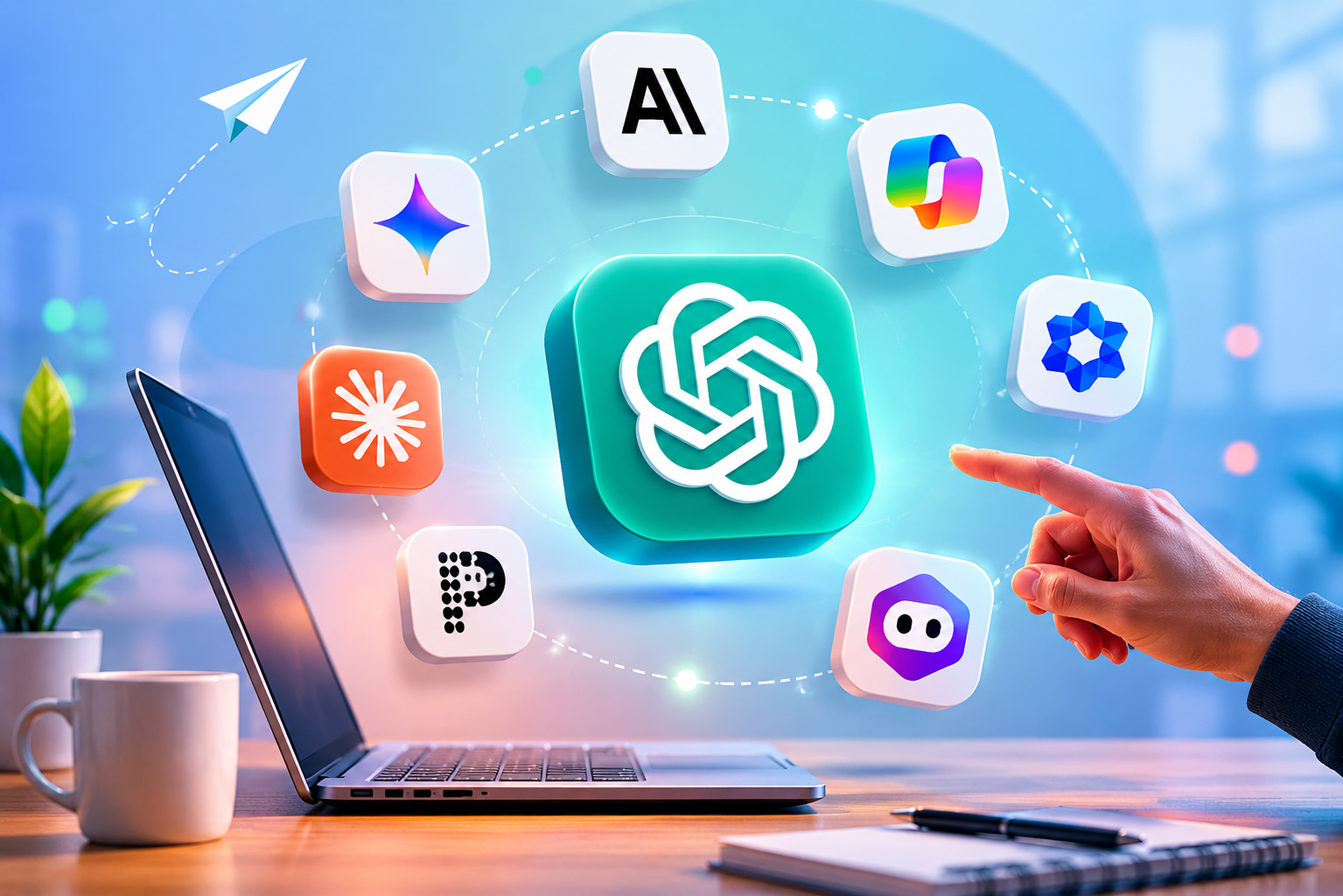
When OpenAI launched ChatGPT, it triggered a paradigm shift in digital productivity. Suddenly, drafting emails, brainstorming marketing copy, and debugging code were reduced from hours-long tasks to mere minutes. However, as the AI landscape has rapidly matured into 2026, relying solely on ChatGPT is no longer the hallmark of an optimized workflow. The “one-size-fits-all” approach is dead; we are now in the era of specialized AI.
Whether you are facing data privacy concerns, experiencing friction from generic output, or simply hitting the limitations of ChatGPT’s interface, seeking out robust ChatGPT alternatives is a crucial step for any professional. Productivity today requires tools that integrate seamlessly into your existing tech stack, browse the web with granular accuracy, and understand your personal or corporate tone of voice without needing a fifty-word prompt every single time.
In this comprehensive guide, I will break down the top ChatGPT alternatives designed specifically for productivity. We won’t just look at features on paper—we will look at how these tools perform in the trenches. I will share my personal Point of View (POV) on each, detailing exactly where they outshine ChatGPT and where they fall short. By the end of this guide, you will have a clear roadmap to building an AI tech stack that exponentially increases your daily output.
QUICK ANSWER: WHICH TOOL SHOULD YOU CHOOSE?
Short on time? Here is the executive summary based on specific productivity needs:
- For Content Creation & Nuanced Writing: Choose Claude 3.5. It possesses a much more natural, human-like cadence and a massive context window for long documents.
- For Deep Research & Data Sourcing: Choose Perplexity AI. It functions as an AI-powered answer engine with rigorous real-time web citations, eliminating hallucinations in research.
- For Google Workspace Power Users: Choose Google Gemini Advanced. It pulls data directly from your Docs, Sheets, and Drive, acting as an integrated ecosystem assistant.
- For Enterprise & Office 365: Choose Microsoft Copilot. Unmatched for secure corporate environments running on Excel, Word, and Teams.
- For Knowledge Management & Teams: Choose Notion AI. It turns your workspace into an interactive, intelligent brain.
COMPARISON TABLE: TOP CHATGPT ALTERNATIVES AT A GLANCE
| AI Tool | Core Strength | Best For… | Pricing | Winay’s Rating |
| Claude 3.5 (Anthropic) | Natural language, coding, large context | Writers, developers, analyzing books | $20/month | 9.5 / 10 |
| Google Gemini Advanced | Workspace integration, multimodal tasks | Google ecosystem users, analysts | $19.99/month | 8.8 / 10 |
| Perplexity Pro | Search, citations, academic research | Researchers, marketers, students | $20/month | 9.2 / 10 |
| Microsoft Copilot | Microsoft 365 integration, data security | Corporate teams, enterprise users | $30/user/month | 8.5 / 10 |
| Notion AI | Project management, contextual writing | Agile teams, knowledge workers | $10/user/month | 8.7 / 10 |
DETAILED SECTIONS: DEEP DIVE INTO THE TOP ALTERNATIVES
1. Claude 3.5 by Anthropic: The Writer’s and Coder’s Dream
Anthropic, founded by former OpenAI researchers, built Claude with a focus on “Constitutional AI,” making it highly safe and steerable. However, for productivity enthusiasts, Claude 3.5 (specifically the Sonnet and Opus models) stands out for two massive reasons: its 200k+ token context window and its incredibly human-like writing style.
Unlike ChatGPT, which often defaults to a recognizable, slightly sterile, and overly structured tone, Claude naturally adapts to tone, style, and formatting requests. Furthermore, Claude’s “Artifacts” feature allows you to generate code, UI designs, and documents in a dedicated side-panel.
Winay Bari’s POV: “If I need to write an article, draft a sensitive email, or brainstorm a creative strategy, I open Claude. Period. ChatGPT is still my go-to for quick formatting scripts, but Claude’s ability to read a 100-page PDF report and write a nuanced, non-robotic summary is unparalleled. The Artifacts UI completely changed how my development team prototypes internal dashboards. It feels less like a chatbot and more like a senior colleague.”
2. Google Gemini Advanced: The Ecosystem Powerhouse
Google’s Gemini (formerly Bard) had a rocky start, but the current iteration of Gemini Advanced (powered by Gemini 1.5 Pro) is a true heavyweight. Its biggest competitive advantage is not just the underlying LLM, but its deep, native integration into Google Workspace.
Imagine typing the prompt: “Read the Q3 Financial Report PDF in my Drive, cross-reference it with the budget numbers in my ‘2026 Projections’ Spreadsheet, and draft an email to the marketing team summarizing the budget cuts.” Gemini can actually do this. It reaches across your Gmail, Docs, Drive, and Maps to execute complex, multi-step productivity workflows.
Winay Bari’s POV: “Gemini is my ‘Chief of Staff.’ While I find its raw creative writing slightly inferior to Claude, its utility is unmatched if you live in Google Workspace. The ability to query my own inbox—asking ‘What did Sarah say about the API keys last month?’—saves me hours of searching. However, you must be comfortable giving Google’s AI access to your personal or corporate data, which is a hurdle for some of my enterprise clients.”
3. Perplexity AI: The End of Traditional Search
Perplexity AI isn’t just an LLM; it’s a conversational answer engine. While ChatGPT has browsing capabilities, Perplexity was built from the ground up for research. When you ask Perplexity a question, it scours the web, reads multiple sources, synthesizes the information, and—most importantly—provides footnote citations for every single claim it makes.
For professionals in legal, medical, academic, or high-stakes marketing roles, hallucinations (AI making things up) are a dealbreaker. Perplexity solves this by grounding its answers in real-time search data.
Winay Bari’s POV: “Perplexity is the tool that actually changed my daily habits; I rarely use Google Search anymore. Whether I am doing competitive analysis for a client or looking up complex software documentation, Perplexity cuts through SEO spam and gives me verified answers in seconds. I tell every knowledge worker I train: if you are using ChatGPT to look up current events or market data, you are using the wrong tool. Use Perplexity.”
4. Microsoft Copilot: The Enterprise Standard
Microsoft Copilot (powered by OpenAI’s technology under the hood) brings Generative AI directly into the tools where business actually happens: Word, Excel, PowerPoint, and Teams. While it shares DNA with ChatGPT, its implementation is fundamentally different.
Copilot is designed for enterprise productivity and security. It utilizes Microsoft Graph to understand your organization’s context—your meetings, chats, emails, and files. You can ask Copilot in Teams to summarize a meeting you joined late, or ask Copilot in PowerPoint to turn a 10-page Word document into a 15-slide presentation complete with stock images and speaker notes.
Winay Bari’s POV: “I deploy Copilot for my Fortune 500 clients because it offers enterprise-grade data protection—your prompts aren’t used to train public models. From a productivity standpoint, turning a Word doc into a PowerPoint slide deck instantly is ‘magic moment’ technology. That said, I find the Excel integration to still be a bit clunky for advanced financial modeling. It’s a massive time-saver for middle management, but power users might still find themselves doing manual formatting.”
5. Notion AI: The Intelligent Knowledge Base
Notion transformed how we organize information, and Notion AI transforms how we interact with it. Unlike a standalone chatbot, Notion AI lives directly on the page where you are working. It can generate text, summarize meeting notes, extract action items, and translate documents without ever requiring you to switch tabs.
Recently, Notion introduced Q&A functionality, essentially turning your entire workspace into a searchable, conversational brain. If your company uses Notion as a wiki, you can ask the AI, “What is our company policy on remote work?” and it will pull the exact answer from your internal documents.
Winay Bari’s POV: “Context switching is the enemy of productivity. What makes Notion AI so brilliant is its proximity to your actual work. I don’t have to copy-paste between a chat window and a document; I just hit the spacebar in Notion and tell the AI to rewrite a paragraph to be more concise. If your team is already using Notion, paying the extra $10/month for the AI features is the highest ROI investment you can make.”
FREQUENTLY ASKED QUESTIONS (FAQS)
1. Are these ChatGPT alternatives safe for confidential company data?
This is a critical concern. Consumer versions of tools (like the free tiers of ChatGPT or Claude) often use your input data to train their models. However, enterprise versions—such as Microsoft Copilot, ChatGPT Enterprise, and Claude for Business—have strict data privacy agreements ensuring your data is not used for model training. Always check the terms of service and opt out of data sharing if you are handling sensitive intellectual property.
2. Is there a completely free alternative to ChatGPT that is just as good?
Yes. Claude 3.5 Sonnet is currently available for free (with usage limits) and often outperforms the free tier of ChatGPT in nuance and coding. Google Gemini is also free for standard use. Additionally, Meta’s Llama 3 models are open-source, meaning if you have the technical hardware, you can run a powerful AI locally on your machine entirely for free, ensuring 100% privacy.
3. Which AI tool is the absolute best for coding and software development?
As of 2026, developers heavily favor Claude 3.5 and specialized IDE tools like GitHub Copilot or Cursor. Claude’s ability to maintain context over thousands of lines of code and its Artifacts feature make it exceptional for web development, debugging, and refactoring.
4. Will AI replace my productivity apps entirely?
No, AI is an augmentative layer, not a replacement. Tools like Notion, Asana, and Slack are integrating AI to make your workflows faster, but the underlying structure of project management and human collaboration remains essential. AI is the engine; you are still the driver.
FINAL VERDICT
We have moved past the era of viewing AI as a novel party trick. Today, integrating AI into your productivity stack is a competitive necessity. As I always advise my clients: do not limit yourself to ChatGPT just because it was the first tool you learned.
If you write heavily, transition to Claude. If you spend hours researching, make Perplexity your default search engine. If you are deeply entrenched in corporate workflows, champion the adoption of Copilot or Gemini within your organization. The most productive professionals I know in 2026 don’t use one AI—they use a curated toolkit of specialized models. Start experimenting today, find the AI that speaks your language, and watch your daily output soar.

Leave a Reply