
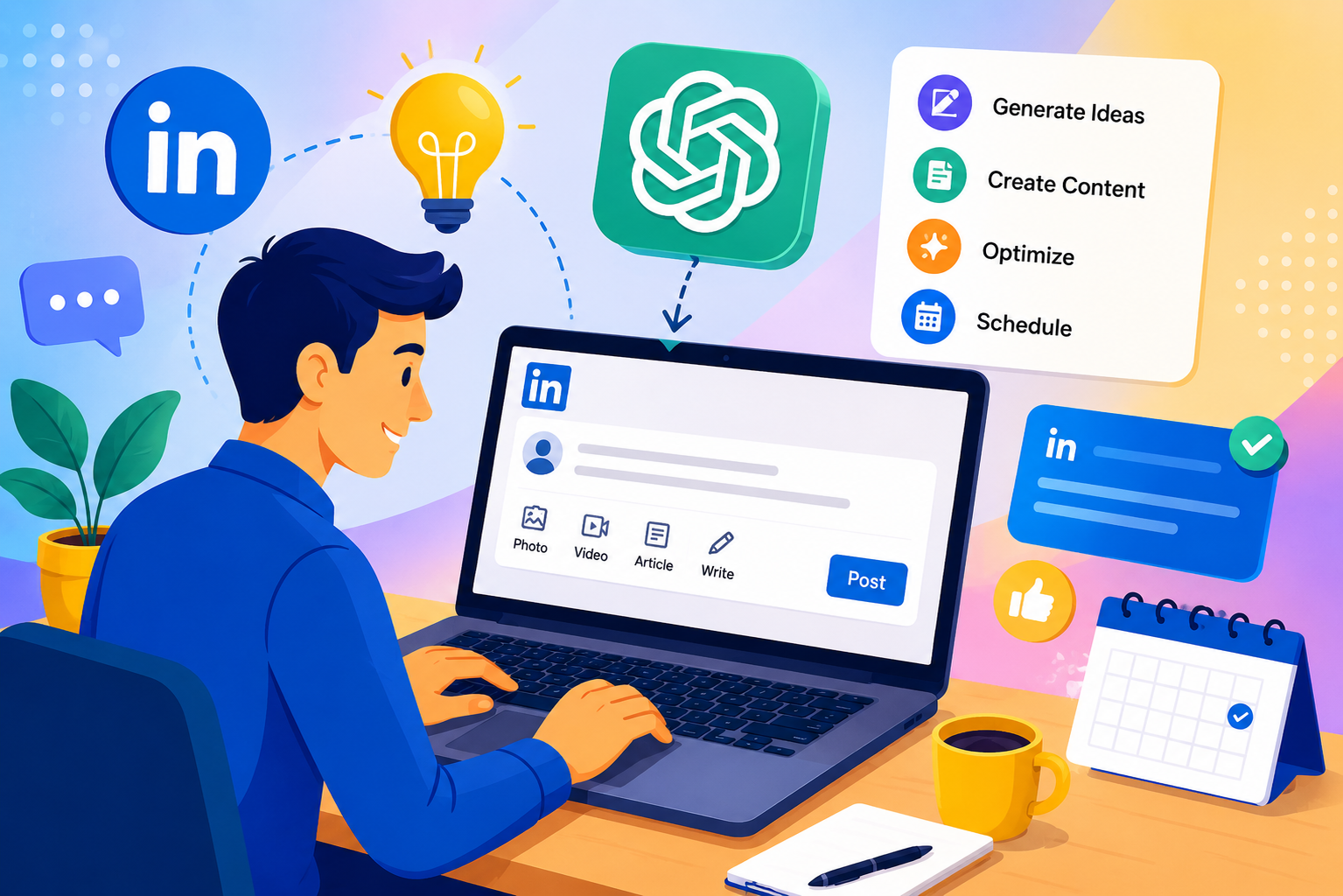
LinkedIn has evolved from a digital resume platform into one of the most powerful B2B content ecosystems on the internet. Founders, consultants, agencies, executives, recruiters, and creators now use LinkedIn to build authority, generate inbound leads, attract partnerships, and establish trust within their industries.
However, maintaining a consistent LinkedIn presence is difficult.
Most professionals struggle with:
- Lack of time to write daily posts
- Creative burnout
- Inconsistent posting schedules
- Difficulty generating engaging ideas
- Low reach due to weak formatting
- Inability to scale personal branding efforts
This is where ChatGPT changes the game.
By using ChatGPT strategically, professionals can automate major parts of LinkedIn content creation without compromising authenticity, expertise, or quality.
This guide explains exactly how to automate LinkedIn content creation with ChatGPT while maintaining EEAT principles (Experience, Expertise, Authoritativeness, and Trustworthiness).
What Does “Automating LinkedIn Content Creation” Actually Mean?
Automation does not mean publishing robotic AI-generated content without human review.
Smart automation means using the best AI tools like ChatGPT to streamline repetitive content tasks while keeping your human expertise and strategic direction intact.
Instead of spending 3–4 hours writing content every week, professionals can reduce the process to 30–60 minutes using structured workflows.
LinkedIn content automation typically includes:
- Idea generation
- Hook writing
- Post drafting
- Carousel outlines
- Content repurposing
- Comment generation
- CTA optimization
- Hashtag suggestions
- Tone adjustments
- Content calendars
- Scheduling workflows
The goal is not to replace your voice.
The goal is to scale your expertise.
Why ChatGPT Is Ideal for LinkedIn Content Automation
ChatGPT is particularly effective for LinkedIn because LinkedIn content follows repeatable frameworks.
High-performing posts usually include:
- A strong hook
- A relatable pain point
- A lesson or insight
- Storytelling
- Short formatting
- A CTA or discussion prompt
Since these patterns are structured, ChatGPT can generate drafts quickly when guided properly. While there are many ChatGPT alternatives available out there online. The major benefits of using ChatGPT for LinkedIn include:
1. Faster Content Production
A post that normally takes 45 minutes can be generated in under 5 minutes.
2. Consistent Posting
Consistency is one of the biggest LinkedIn growth factors. Automation helps maintain a regular publishing schedule.
3. Better Idea Generation
ChatGPT can brainstorm:
- Industry trends
- Contrarian opinions
- Founder stories
- Customer pain points
- Educational content
- Engagement questions
4. Improved Repurposing
You can turn:
- Blogs into LinkedIn posts
- Podcasts into carousels
- Create YouTube Videos using AI Tools
- Tweets into thought leadership posts
5. Reduced Creative Fatigue
Instead of staring at a blank screen, professionals can start with AI-assisted drafts.
EEAT and AI Content: Why It Matters
Google and LinkedIn both prioritize authentic, valuable, experience-driven content.
If your content sounds generic, over-automated, or lacks real-world insights, engagement and trust decline rapidly.
That is why EEAT principles are critical when using ChatGPT.
EEAT Explained
Experience
Demonstrate first-hand knowledge.
Example:
Instead of saying:
“LinkedIn posts improve visibility.”
Say:
“After posting consistently for 90 days, our inbound leads increased by 37%.”
Expertise
Show deep understanding of your niche.
Include:
- Data
- Frameworks
- Processes
- Case studies
- Industry insights
Authoritativeness
Build credibility through:
- Thought leadership
- Consistency
- Original opinions
- Professional insights
Trustworthiness
Avoid:
- Fake claims
- AI hallucinations
- Misleading statistics
- Clickbait promises
The best AI-assisted LinkedIn content combines human expertise with AI efficiency.
Step-by-Step Process to Automate LinkedIn Content Creation with ChatGPT
Step 1: Define Your LinkedIn Content Pillars
Before automating anything, define the core topics your audience cares about.
Most successful LinkedIn creators focus on 3–5 pillars.
Example for a marketing consultant:
- SEO strategies
- Client acquisition
- AI marketing workflows
- Agency growth
- Personal branding
These pillars become the foundation for AI-generated ideas.
For Example –
Prompt:
“Generate 20 LinkedIn post ideas for a SaaS founder focused on startup growth, AI, and customer acquisition.”
ChatGPT can instantly generate a structured idea bank.
Step 2: Train ChatGPT on Your Writing Style
One of the biggest mistakes professionals make is using generic prompts.
To maintain authenticity, train ChatGPT using:
- Existing LinkedIn posts
- Blog articles
- Email newsletters
- Tone guidelines
- Writing preferences
Example Prompt
“Analyze this LinkedIn post and mimic the tone: conversational, concise, authoritative, and insight-driven. Use short paragraphs and strong hooks.”
This dramatically improves output quality.
Step 3: Create Hook Templates
Hooks determine whether users stop scrolling.
You can automate hook creation using proven frameworks.
High-Performing Hook Examples
- “Most founders are using LinkedIn incorrectly.”
- “I stopped posting motivational content. Here’s what happened.”
- “This AI workflow saves our agency 12 hours weekly.”
- “Nobody talks about this LinkedIn growth mistake.”
ChatGPT Prompt
“Generate 15 LinkedIn hooks for a B2B marketing agency targeting startup founders.”
Step 4: Automate Post Drafting
Once hooks are generated, ChatGPT can draft complete LinkedIn posts.
Example Workflow
Prompt:
Write a LinkedIn post about how AI improves content repurposing for founders. Use:
- Strong hook
- Personal insight
- Simple language
- Short paragraphs
- Clear CTA
- Maximum 220 words.”
ChatGPT can generate multiple variations instantly.
Step 5: Add Human Experience and Insights
This is the most important EEAT step.
Never publish raw AI output.
Instead:
- Add personal stories
- Include real metrics
- Mention client experiences
- Share lessons learned
- Add emotional nuance
Weak AI Content
“Consistency is important on LinkedIn.”
Better Humanized Content
“We posted consistently for 6 months before seeing meaningful inbound opportunities. Most creators quit too early.”
This creates authenticity.
Step 6: Repurpose Existing Content Automatically
One blog article can become:
- 10 LinkedIn posts
- 5 carousels
- 20 short-form insights
- Poll questions
- Comment templates
Simplified Example
Input:
A 2,000-word SEO blog.
Prompt:
“Repurpose this blog into:
- 5 LinkedIn posts
- 3 carousel ideas
- 10 hooks
- 5 engagement questions.”
This significantly increases content efficiency.
Step 7: Build a LinkedIn Content Calendar
Consistency matters more than intensity.
Use ChatGPT to generate structured content calendars.
Example Prompt
“Create a 30-day LinkedIn content calendar for an AI automation consultant.”
The output can include:
- Post topics
- Formats
- CTA ideas
- Posting frequency
- Audience intent
Step 8: Use Scheduling Tools for Full Automation
Once content is prepared, scheduling tools automate publishing.
Popular tools include:
- Buffer
- Hootsuite
- Taplio
- SocialPilot
- Publer
- Metricool
A scalable workflow looks like this:
ChatGPT → Content Editing → Scheduling Tool → LinkedIn Publishing
Best ChatGPT Prompts for LinkedIn Automation
Below are practical prompts professionals can use immediately.
Prompt 1: LinkedIn Post Generator
“Write a LinkedIn post for startup founders about AI productivity tools. Use a conversational tone, strong hook, short paragraphs, and an engagement CTA.”
Prompt 2: Thought Leadership Content
“Create a thought leadership LinkedIn post discussing why most B2B companies fail at content marketing.”
Prompt 3: Storytelling Post
“Write a storytelling LinkedIn post about losing a client and the lesson learned from the experience.”
Prompt 4: Carousel Outline
“Create a 7-slide LinkedIn carousel outline about automating SEO workflows with AI.”
Prompt 5: Engagement Booster
“Generate 15 engagement questions for LinkedIn posts targeting SaaS founders.”
Common Mistakes When Automating LinkedIn Content
1. Publishing Raw AI Content
This leads to:
- Generic language
- Low engagement
- Reduced credibility
- Robotic tone
Always edit AI drafts.
2. Ignoring Personal Branding
Your audience follows your perspective, not ChatGPT.
Inject:
- Opinions
- Experiences
- Stories
- Contrarian views
3. Overusing Buzzwords
Avoid excessive terms like:
- Game-changing
- Revolutionary
- Next-gen
- Disruptive
LinkedIn audiences prefer clarity over hype.
4. Automating Without Strategy
AI does not replace positioning.
You still need:
- Audience targeting
- Messaging clarity
- Brand differentiation
- Niche expertise
5. Prioritizing Quantity Over Quality
Posting daily with weak content is less effective than posting high-value insights consistently.
In my opinion
AI-powered content automation should enhance expertise rather than replace original thinking. Professionals often misuse AI by focusing solely on speed instead of strategic authority building.
A major shift is happening across LinkedIn:
“The creators winning on LinkedIn are not necessarily posting the most content. They are posting the most relevant and experience-backed content.”
Instead, I recommend a hybrid workflow:
- Use ChatGPT for ideation and structure
- Add human expertise manually
- Optimize formatting for readability
- Maintain a consistent publishing cadence
- Focus on trust-building over vanity metrics
Another highlight is that LinkedIn’s algorithm increasingly rewards:
- Meaningful engagement
- Dwell time
- Authentic conversations
- Original perspectives
This means AI-generated content alone is not enough.
Human insight remains the differentiator.
Advanced LinkedIn Automation Strategies
1. Build a Personal AI Prompt Library
Create reusable prompts for:
- Hooks
- Storytelling
- Carousels
- Polls
- Educational posts
- Sales content
This improves consistency and reduces production time.
2. Create Audience-Specific Content Variations
The same idea can be customized for:
- Founders
- Recruiters
- Marketers
- Agencies
- SaaS companies
- Freelancers
3. Automate Comment Engagement
Comments drive LinkedIn reach.
ChatGPT can help draft:
- Intelligent replies
- Discussion starters
- Follow-up questions
- Networking responses
However, human review is still essential.
4. Analyze High-Performing Posts
Feed successful posts into ChatGPT and ask:
“Analyze why this LinkedIn post performed well.”
This helps identify:
- Hook structure
- Emotional triggers
- Readability patterns
- CTA effectiveness
5. Turn Voice Notes into LinkedIn Content
Many professionals think better verbally than in writing.
Workflow:
Voice note → Transcription → ChatGPT refinement → LinkedIn post
This preserves authenticity while accelerating production.
SEO Benefits of LinkedIn Content Automation
Many professionals overlook the SEO advantages of LinkedIn visibility.
Consistent LinkedIn publishing can:
- Increase branded search volume
- Improve personal brand discoverability
- Generate backlinks
- Drive referral traffic
- Improve topical authority
- Support Google indexing of branded content
LinkedIn posts often rank on Google for:
- Founder names
- Company names
- Industry opinions
- Thought leadership queries
This creates long-term discoverability.
How Frequently Should You Post on LinkedIn?
There is no universal rule.
However, most B2B creators see strong results with:
- 3–5 posts weekly
- Daily engagement activity
- Consistent commenting
- Strategic networking
Quality and consistency outperform volume.
A realistic AI-assisted workflow may include:
- One content planning day weekly
- Batch generation using ChatGPT
- Manual editing and personalization
- Scheduled publishing
LinkedIn Content Formats That Work Best with ChatGPT
1. Educational Posts
Explain:
- Processes
- Frameworks
- Strategies
- Lessons
2. Storytelling Posts
Narratives perform exceptionally well on LinkedIn.
Examples:
- Failure stories
- Client experiences
- Career lessons
- Startup pivots
3. Contrarian Opinions
Thoughtful disagreement drives engagement.
Example:
“Posting daily on LinkedIn is overrated.”
4. Data-Driven Insights
Use:
- Statistics
- Trends
- Experiments
- Case studies
5. Step-by-Step Frameworks
People save actionable content.
Example:
“5-step AI workflow for content creation.”
Is LinkedIn Automation Safe?
Using ChatGPT for drafting and ideation is generally safe.
However, avoid:
- Spam automation
- Fake engagement tools
- Bot-generated comments
- Mass connection spam
LinkedIn values authentic professional interaction.
AI should assist communication, not manipulate engagement.
The Future of AI-Powered LinkedIn Content
AI-assisted personal branding will become standard.
However, differentiation will increasingly depend on:
- Original insights
- Human storytelling
- Specialized expertise
- Real-world experiences
- Authentic positioning
The professionals who succeed will use AI as a productivity multiplier, not a replacement for critical thinking.
Final Verdict
Automating LinkedIn content creation with ChatGPT is no longer optional for professionals competing in high-content industries.
When implemented correctly, ChatGPT can dramatically reduce content production time while improving consistency, idea generation, and scalability.
However, sustainable LinkedIn growth still depends on EEAT principles:
- Real experience
- Genuine expertise
- Authority-building
- Trust-driven communication
The most effective workflow is hybrid.
Use AI for:
- Research
- Ideation
- Structuring
- Drafting
- Repurposing
- Scheduling
Use human expertise for:
- Perspective
- Storytelling
- Strategic insight
- Emotional intelligence
- Credibility
Professionals who combine both effectively can build stronger personal brands, increase visibility, generate inbound opportunities, and establish long-term authority on LinkedIn.

Leave a Reply